Install Kadence
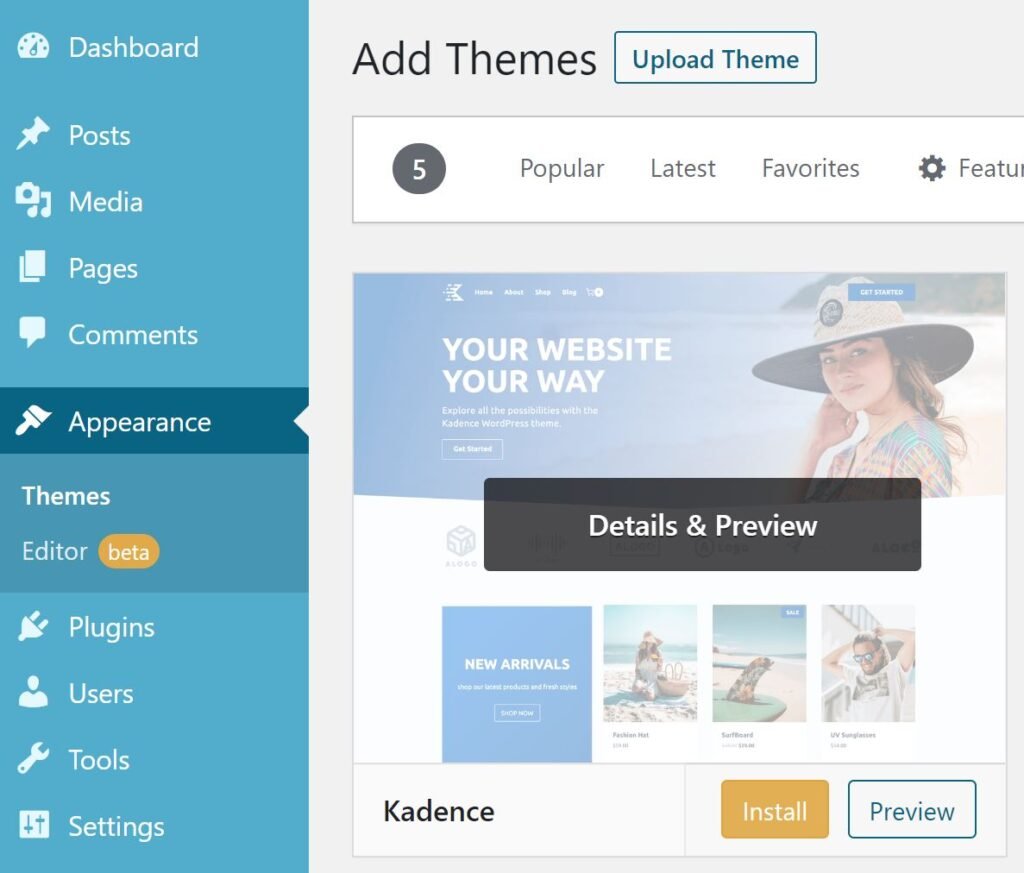
- Go to Appearance > Themes and click on the Add New button.
- Search for kadence in the search bar and hit enter.
- Install Kadence. DO NOT ACTIVATE.
Install Purchased Theme
- In the same screen, click on the Upload Theme button at the top of the screen.
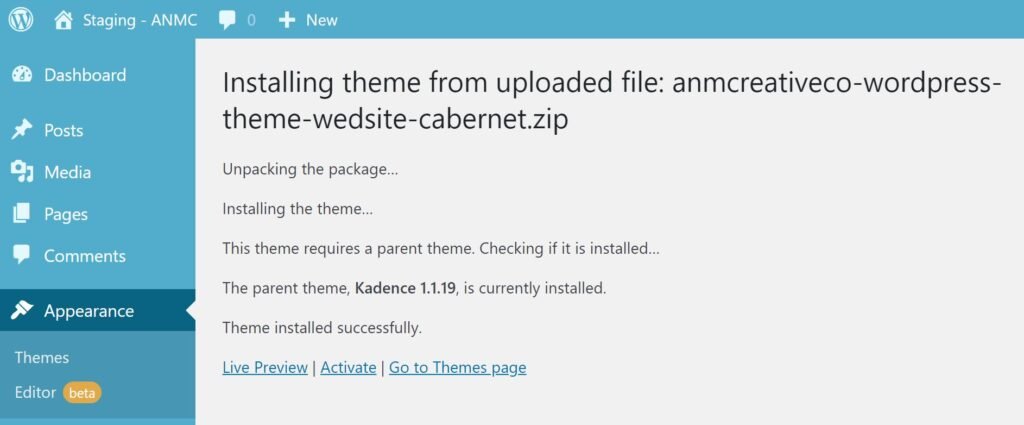
- Browse for your purchased theme ZIP file and click Install Now.
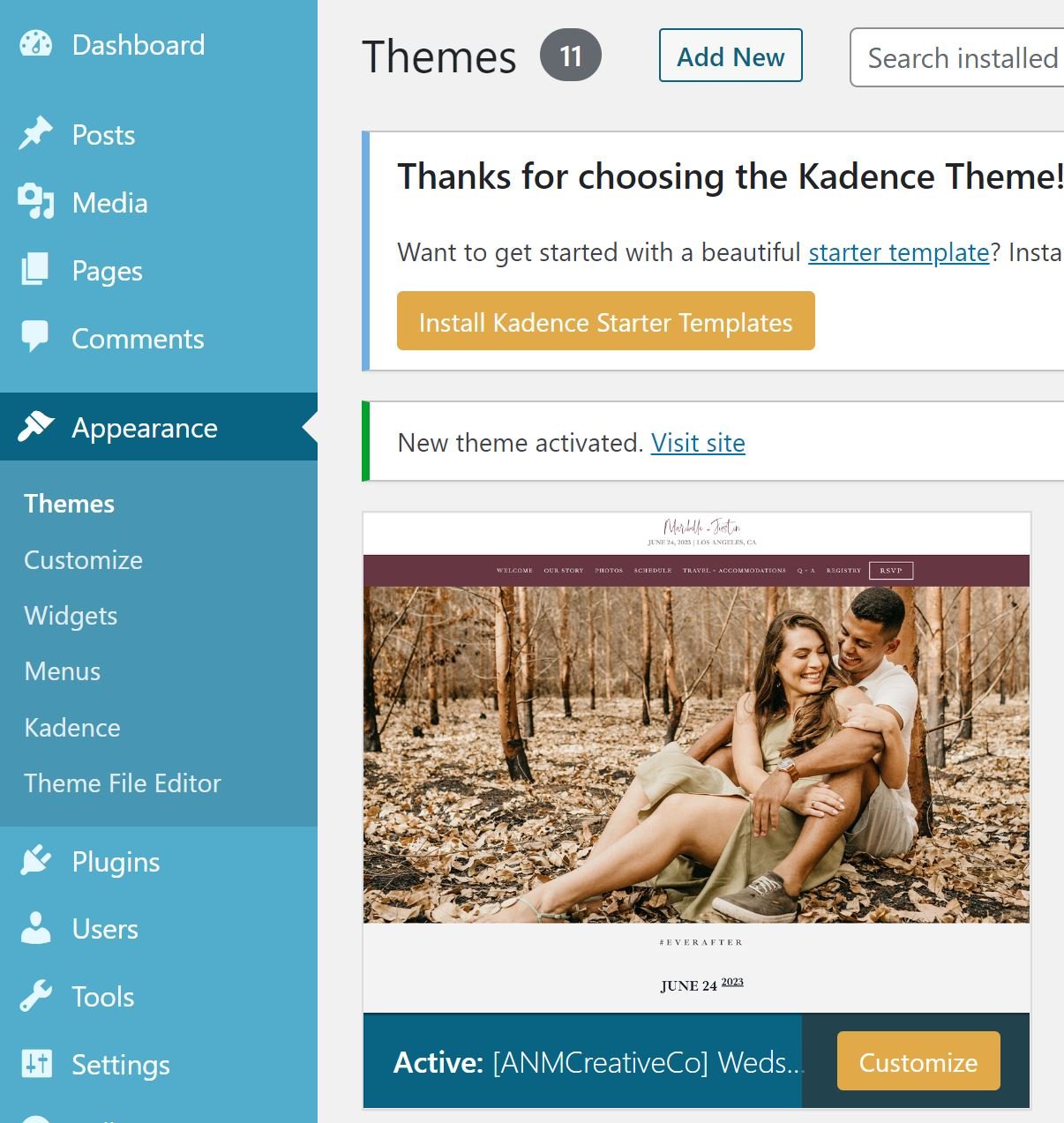
- Now click Activate.
Import Demo Content
- A banner message will appear asking you to Install Kadence Starter Templates. CLICK the button.
- In this next screen for “Choose Your Builder”, click the ANM Creative logo & ANMCREATIVECO button.
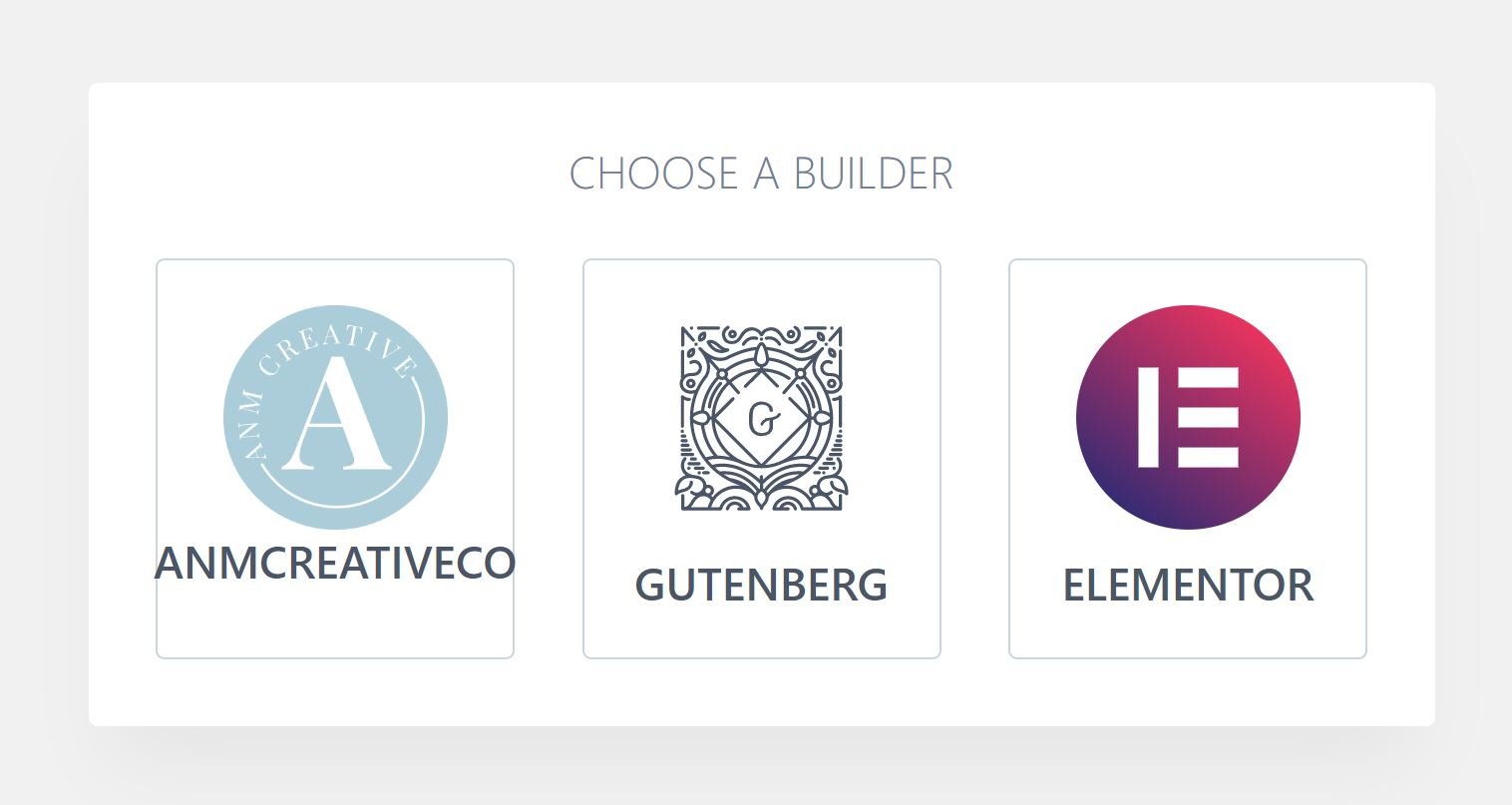
- Select the preview of the theme you download, with it titled “Demo Content”.
- A prompt will appear letting you know which plugins the theme requires and will install these plugins during the process. Please note this is a FULL IMPORT, so all content you have seen on the demo site WILL be imported to your site, and all your set themes, colors, widgets, etc. WILL be overwritten.
- Keep all the settings under Advanced Settings on (Import Customizer Settings, Import Content).
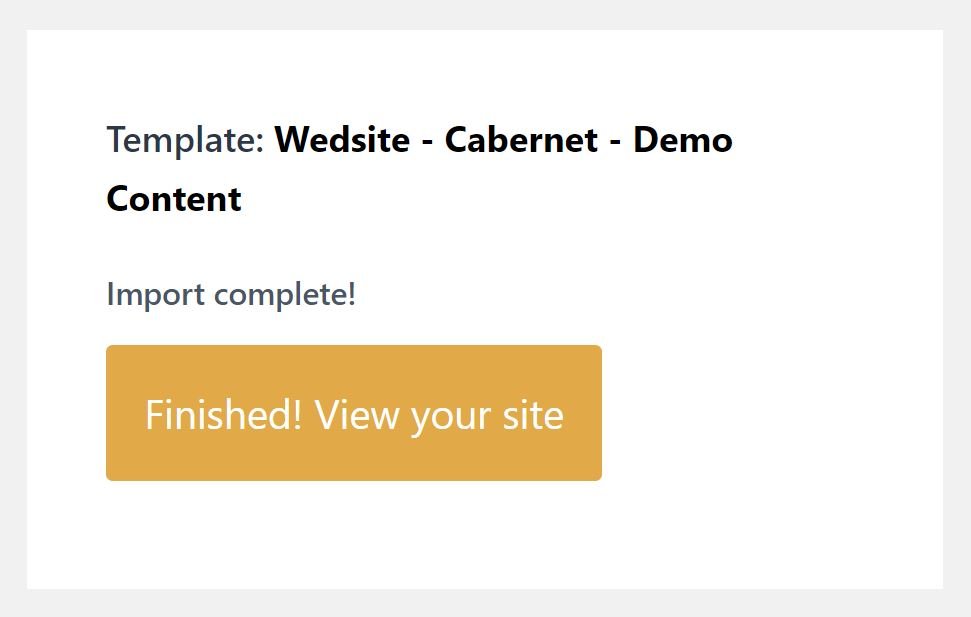
- When you have prepared for this full install, click on the Start Importing button. (This may take a few minutes, please be patient.)

- Now click the Finished! View your site button and continue on to the next section to complete your site!